A whole day, a single gesture.
One press. The news comes first.
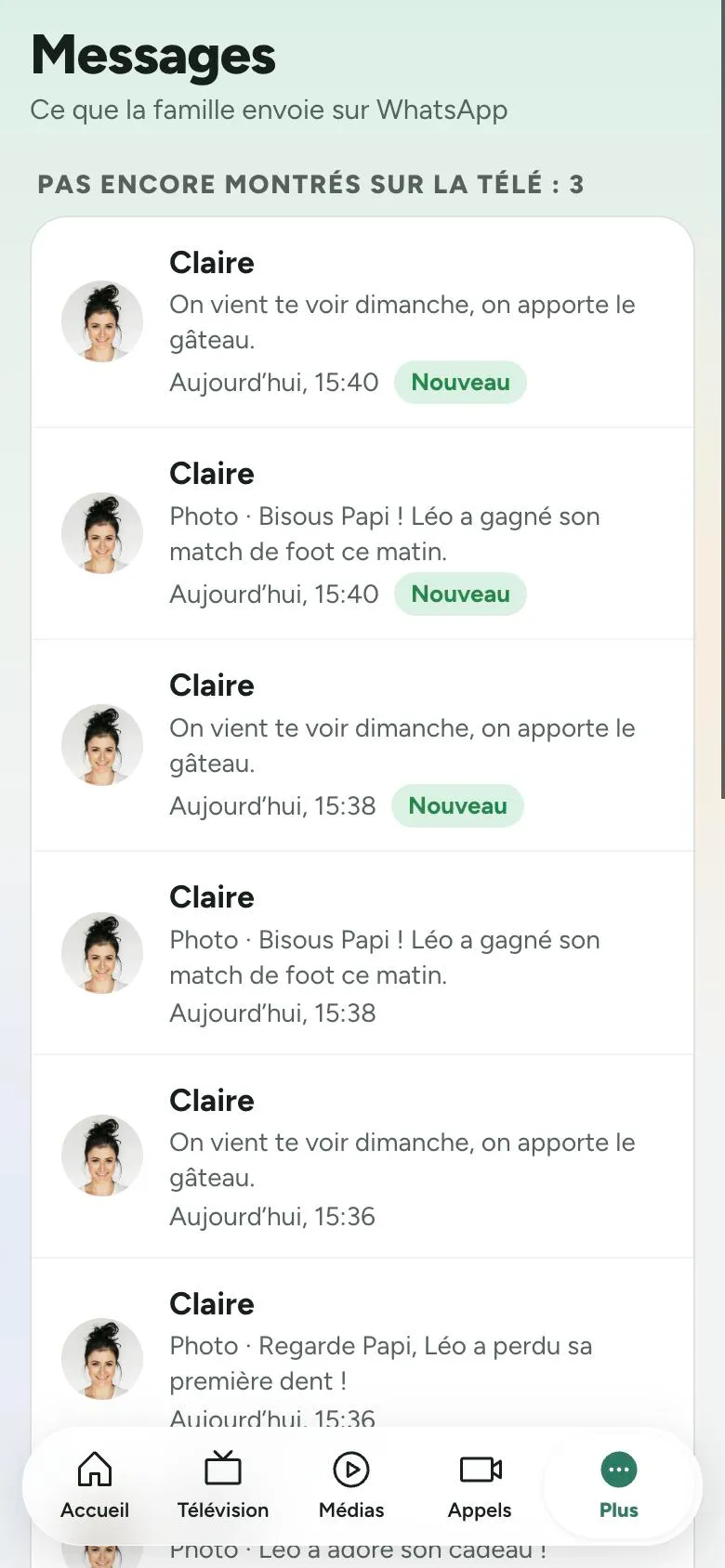
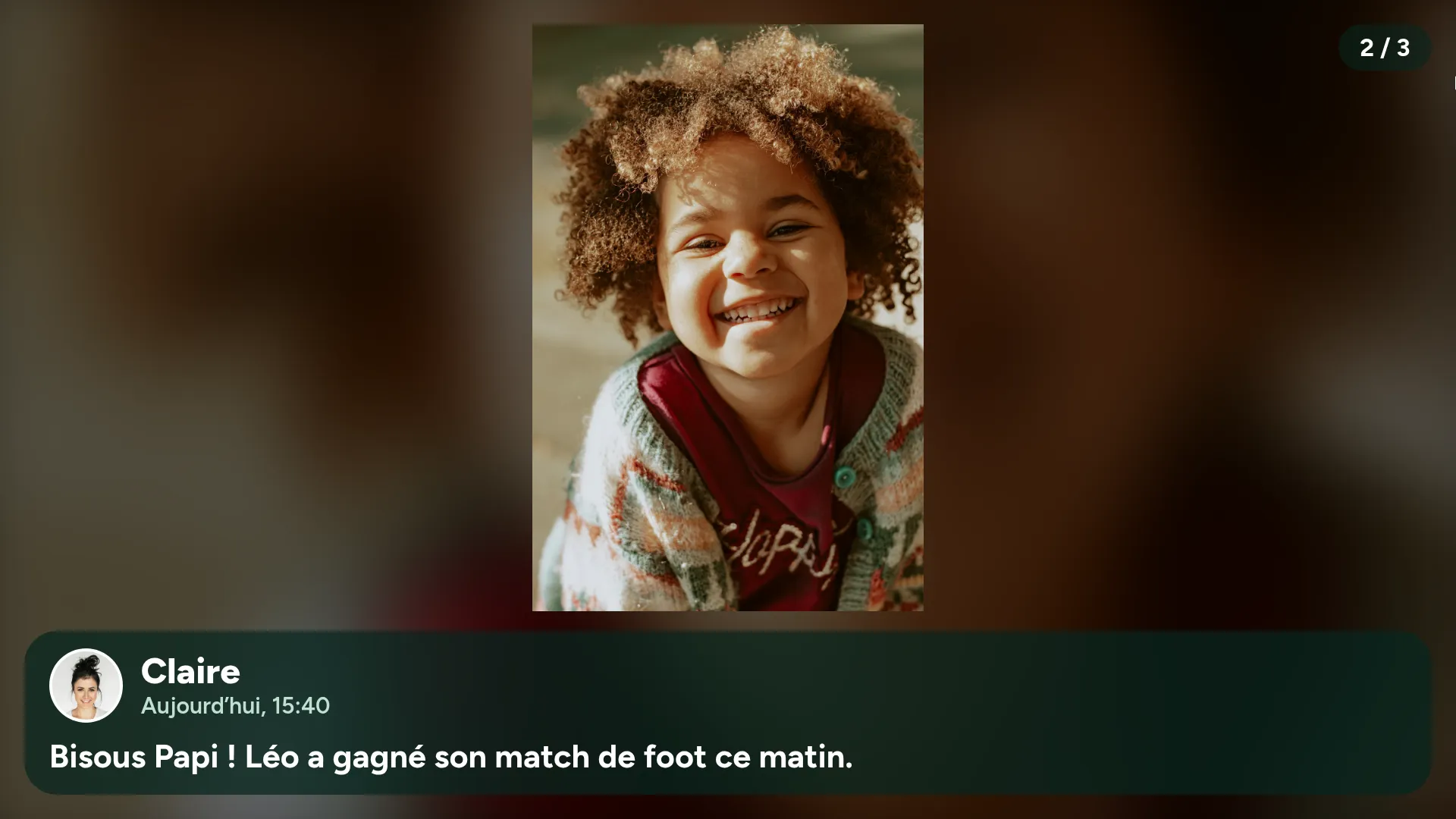
The TV comes on and shows what the family has sent since yesterday: photos, videos, kind words, read aloud. Then the usual channel, at the right volume.
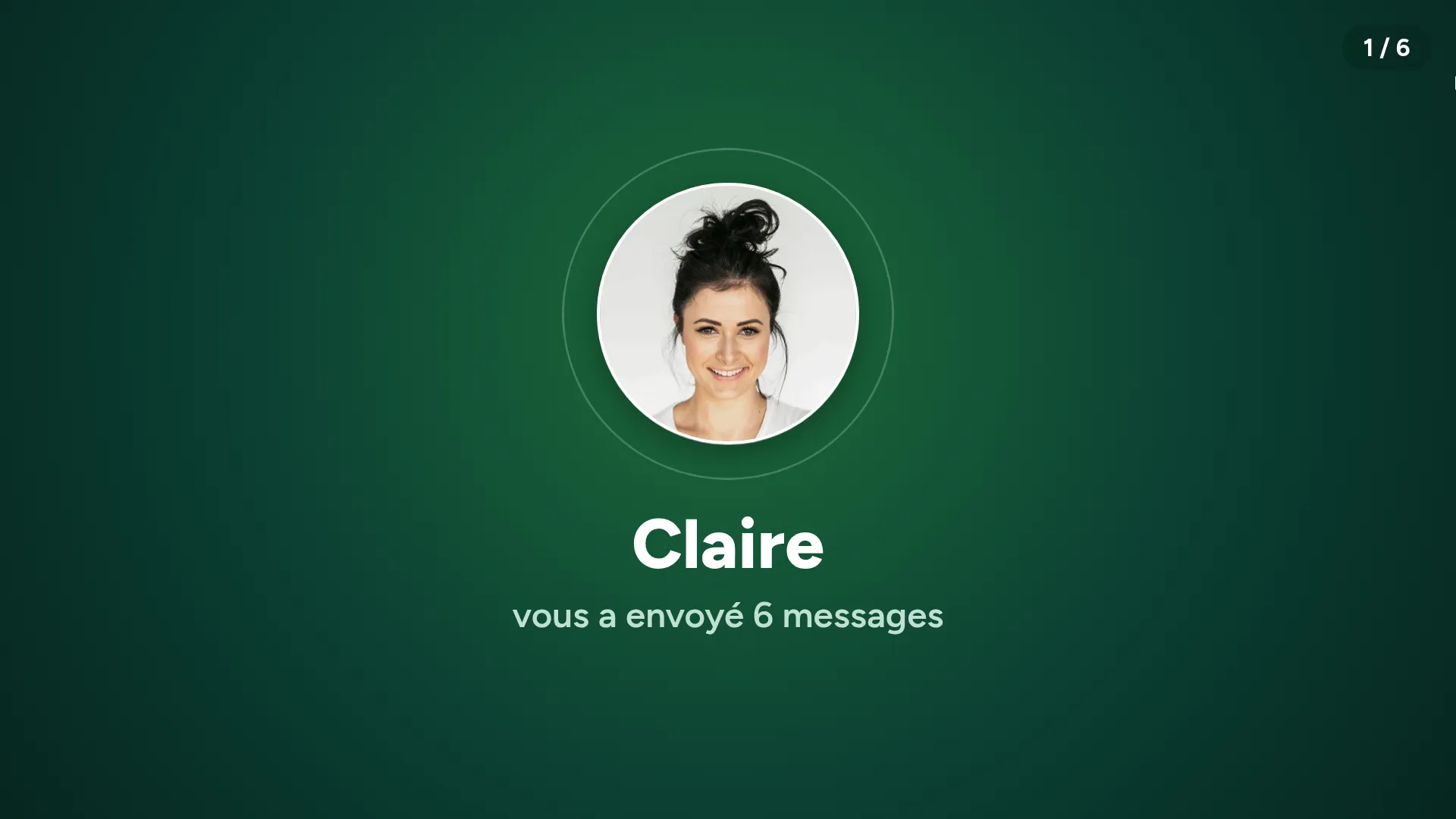
It rings. Their daughter appears.
Video call, WhatsApp or landline: the TV shows who's calling. One press of the button, or the call opens by itself.
 Claire is callingPress the button to answer
Another press. Their music, your photos.
Their songs start, and the family photos scroll by in full screen. Last night's included.

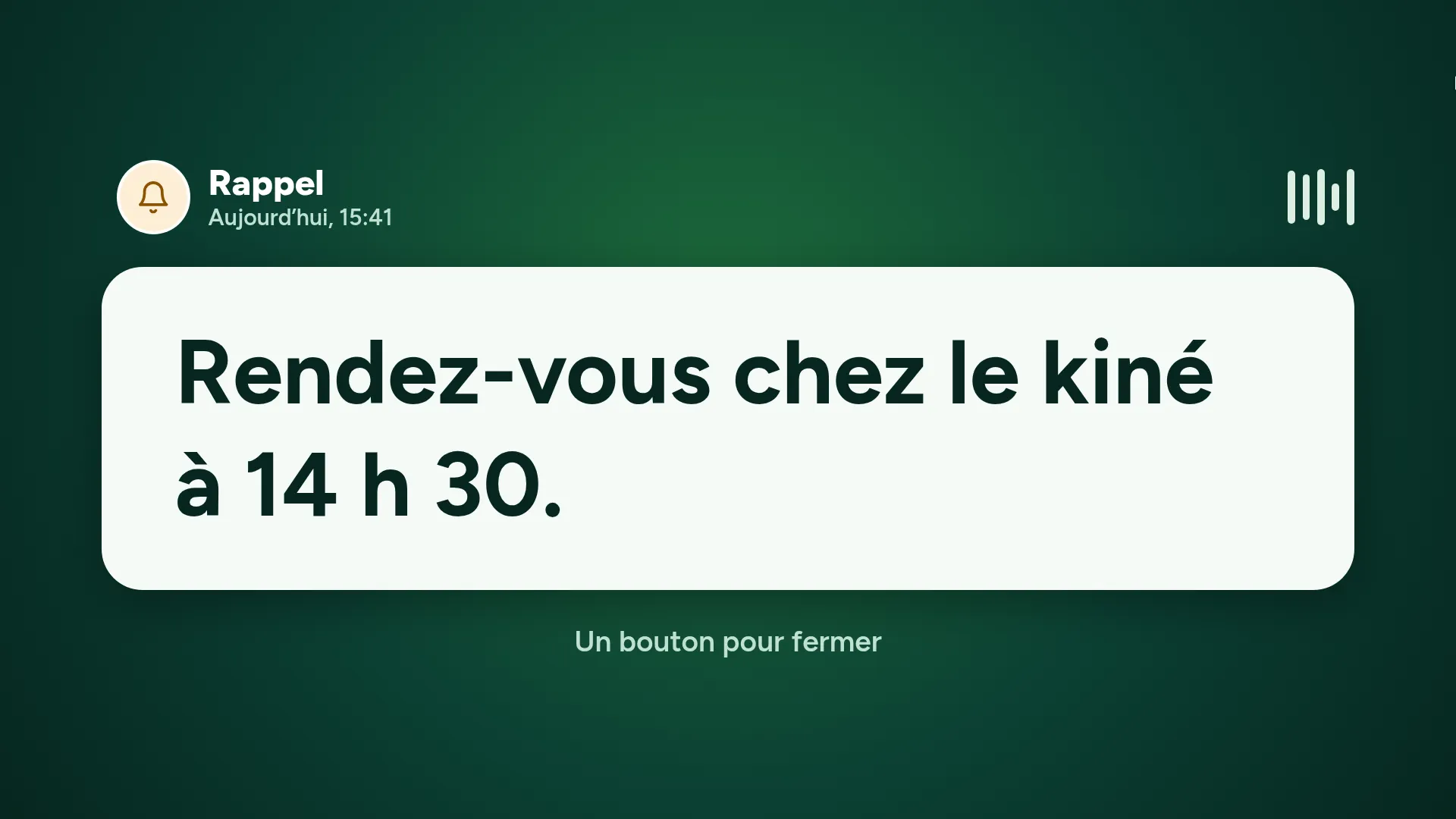
The reminder shows up by itself.
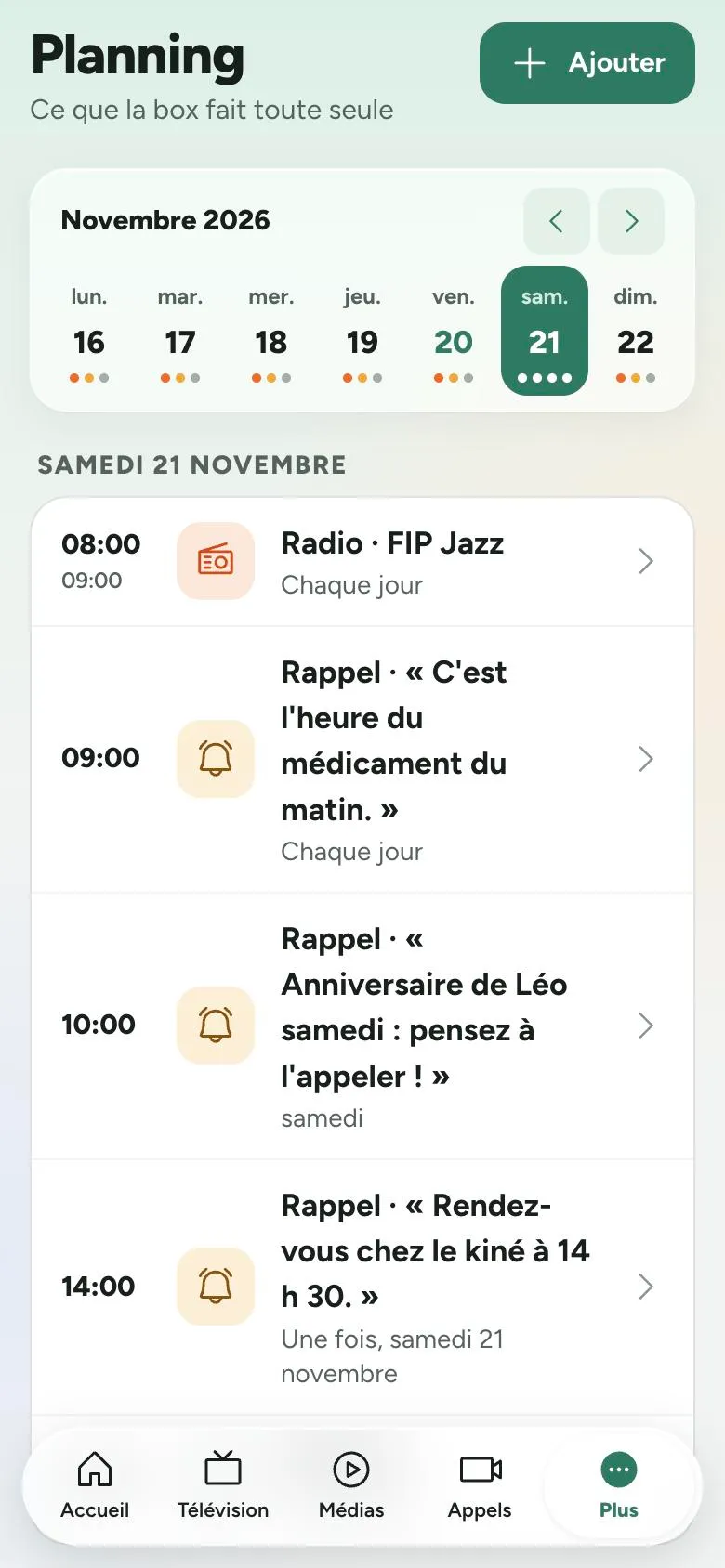
Medication, appointments, birthdays: the reminder stays on screen, read aloud, until the next press.
The whole family, on the biggest screen in the room.
Big-screen video calls
The family calls from the app. The TV comes on, rings and shows who's calling, up to 1080p. After the call, the programme carries on.
WhatsApp, without a smartphone
Photos, videos, texts and voice messages sent to the box's number, shown when the TV comes on and read aloud. WhatsApp calls ring on the TV.
Their landline, even in a care home
Their lifelong number rings on the screen and is answered with the button. Unknown numbers don't get through.
One press, or nothing at all
When it rings, any button answers. Or the call opens by itself, if the family wishes.
A button to call
A button with a loved one's photo: the box calls them on their landline or on WhatsApp.
Only the people you choose
The family decides who can call. Sales calls never reach the screen.
Their TV, their films, their music. No searching.
Netflix, Prime Video, YouTube…
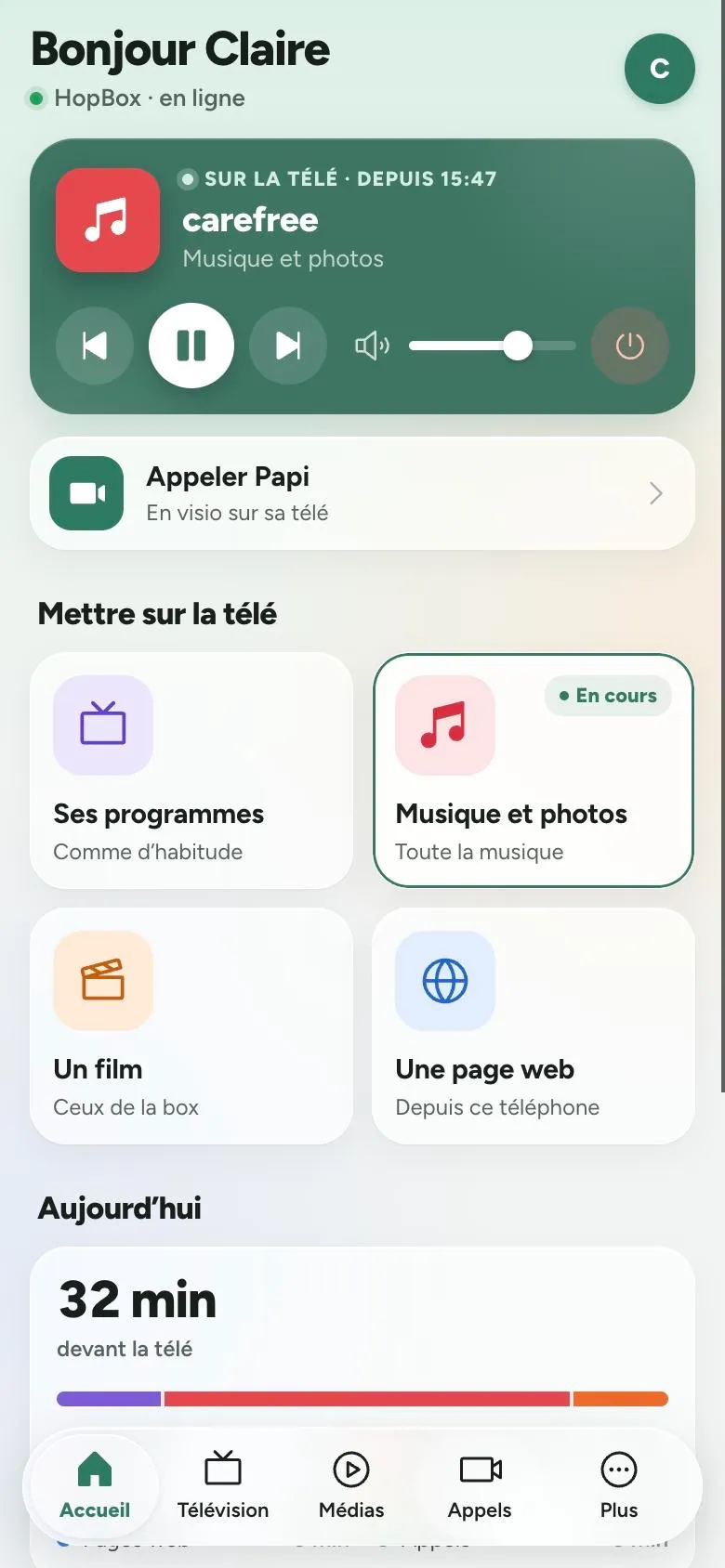
Their streaming and catch-up accounts, or any website: chosen in the app, started on their TV. No menus on screen.
A film started from afar
Rent or buy a film from your phone, wherever you are: it starts on their TV, already playing.
The right channel, at the right volume
Switched on and off in one gesture. The box drives the TV through the HDMI cable, and learns it from a few yes-or-no questions.
Optional TV tuner
With a small add-on, the box receives the channels itself and keeps control of the screen at all times.
Their songs, your photos
At the press of a button, the music starts with the family photos scrolling by. You add the files from the app or a computer.
Thousands of radio stations
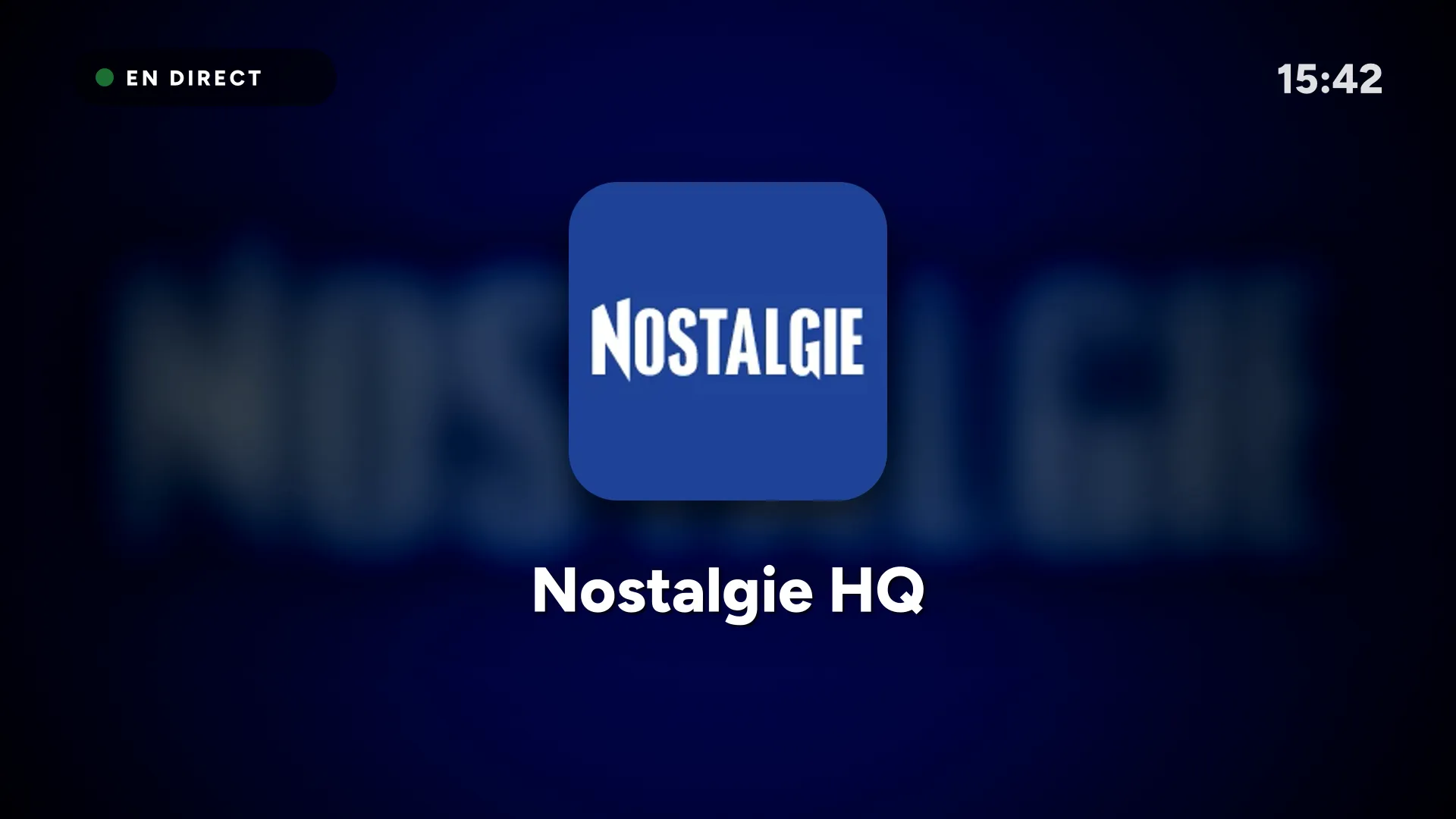
Found from your phone, listened to on their TV with the station's logo on screen.
A reassuring routine, never imposed.
The morning hello
The first time it comes on, the TV says hello, the day and the time, with the family's words.
Medication, appointments
The reminder stays on screen and is read aloud until the next press of the button.
Radio to wake up to
A programme does what a button would: the radio every morning, the TV off at midnight.
Always in their hands
A press comes before the schedule. And whatever happens, the TV goes back to its own programmes.
The button for your loved one. The remote for you.
Anything that needs setting up is done in the app, from your sofa or the other side of the world.
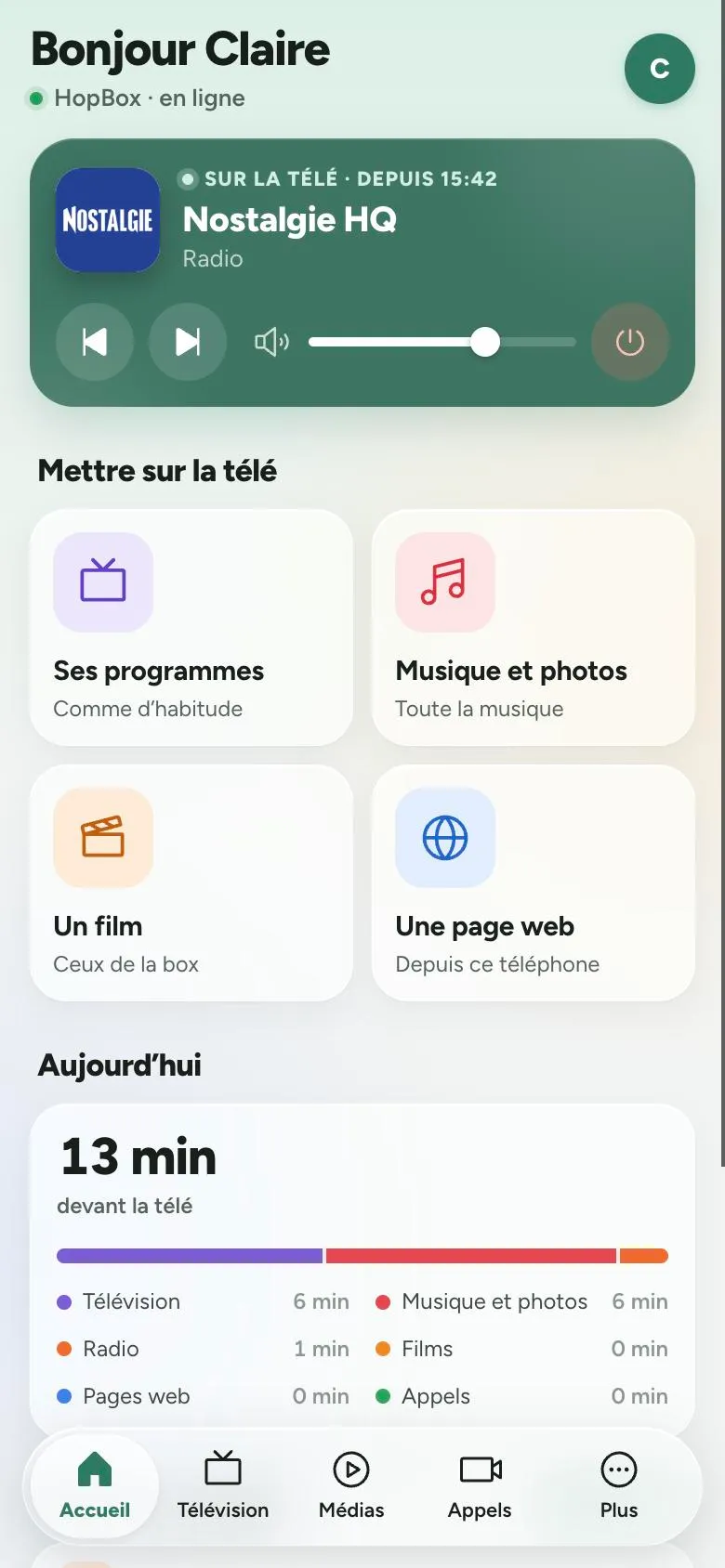
- You choose, they watch. Channels, films, music, radio, photos, streaming: it all starts from your phone.
- Their day at a glance. What was watched, the calls, the reminders read.
- Everything set up from afar. The TV, the buttons, the Wi-Fi, even a care home's sign-in page.
- An account each. Children, grandchildren, carers: everyone has the app, with their own permissions.
- A box that looks after itself. It restarts whatever stops and opens a hotspot if the internet is missing at start-up.
It all fits in a small box. And it goes anywhere.
Home, care home, hospital, retirement community: all it takes is a TV and a connection. If they move, the box goes along with its settings.
The box
Behind the TV, connected by HDMI. No screen to set up.
The button
Wireless, one or several: TV, music, a loved one to call.
Camera and speaker
For calls, sitting on the TV.
The TV tuner
Optional, so the box receives the channels itself.
The 4G dongle
For a home without broadband: plug it in, it works.
The same button, in every room.
Residents and patients find their family on their TV, families manage everything from their phone, and your staff have nothing more to do.
The one button their TV was missing.
Leave us your details and we'll call you back personally.